HN 표시: Pantr AI Creative Studio
hackernews
|
|
🔬 연구
#ai
#creative studio
#gemini
#pantr
#review
#이미지 생성
원문 출처: hackernews · Genesis Park에서 요약 및 분석
요약
대부분의 AI 이미지 생성 도구가 복잡해지는 추세와 달리, 'Pantr AI'는 직관적인 사용성을 강조하는 비주얼 퍼스트 작업 공간을 제공합니다. 사용자는 캔버스 내에서 레퍼런스를 활용해 간편하게 이미지를 생성할 수 있으며, 현재 디자이너와 크리에이터를 대상으로 베타 테스트가 진행되고 있습니다. 개발사는 '적은 옵션, 더 많은 직관'이라는 철학으로 창작의 진입장벽을 낮추고 초기 크레딧을 제공하며 사용자의 피드백을 기다리고 있습니다.
본문
[Pantr.co](https://www.pantr.co/) [Blog](https://www.pantr.co/blog)[Log in](https://www.pantr.co/login)[Sign up](https://www.pantr.co/signup) # Create images with references. Not prompt tricks. Drop images onto an infinite canvas. Select what inspires you. Generate something new. No prompt engineering. No guesswork. [Start creating free](https://www.pantr.co/signup)[Log in](https://www.pantr.co/login) No credit card required. No setup. Just drop and generate. Drop. Select. Generate. ## Four ways to create Each tool is built for a different stage of the creative process. Mockup ### Place designs onto real scenes Skip the Photoshop compositing. Select a scene and your assets — a logo, a screen, a poster. Pantr composites them into the mockup with correct perspective, lighting, and shadows. One prompt, one click. Product shots, packaging previews, and social media visuals in seconds. 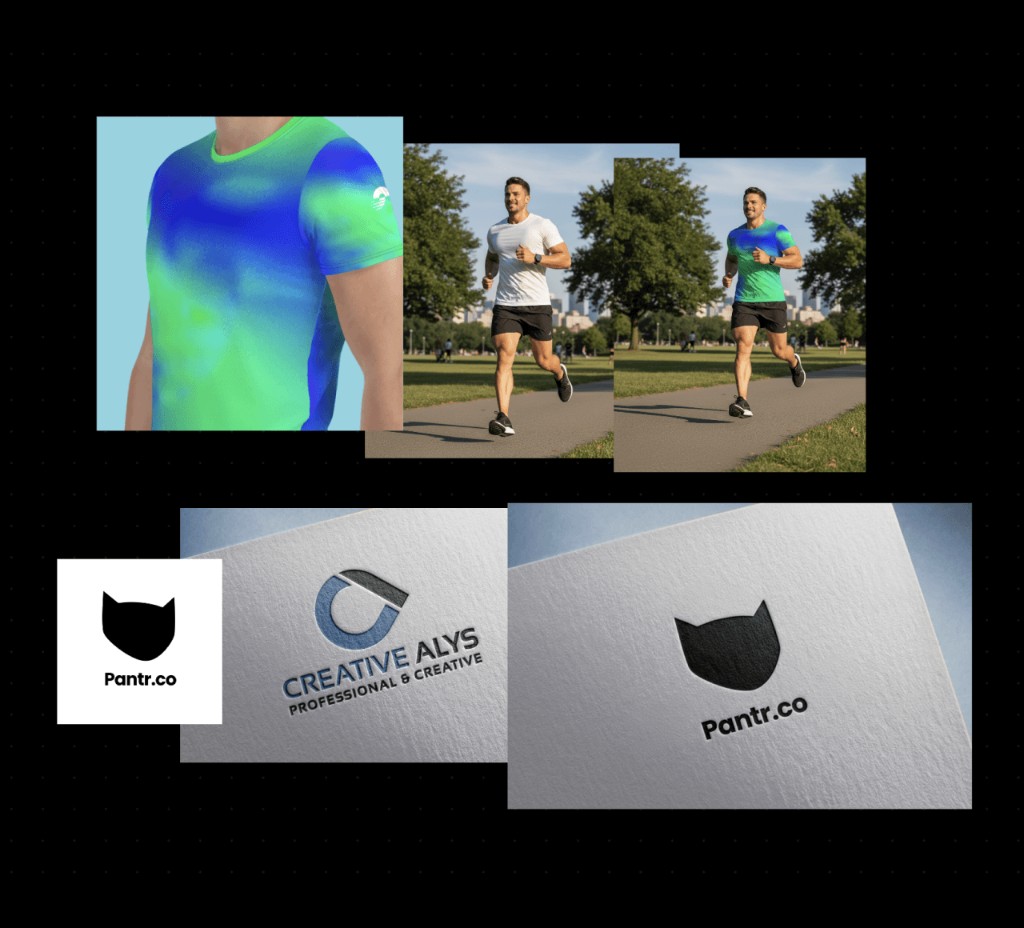 Edit ### Edit images with words Describe what to change. Keep everything else. Say "remove the background", "add a sunset sky", or "make it look vintage". The AI modifies exactly what you describe and preserves the rest. One image, one prompt — simple. 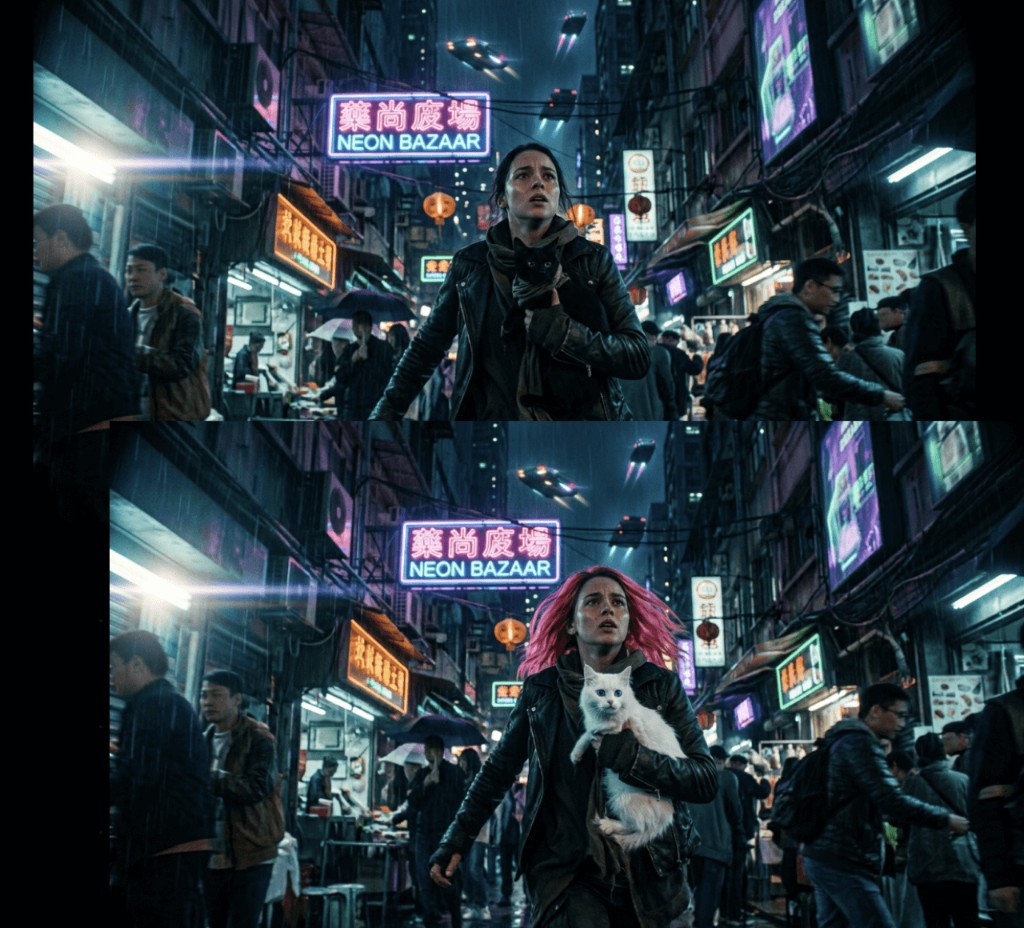 Moodboard ### Explore a direction in one prompt 8 images. One topic. Instant visual clarity. Type a topic — "cozy Japanese café", "brutalist architecture at dusk" — and get 8 cohesive images arranged in a grid. Every image shares the same color palette, lighting, and mood. Perfect for pitching a direction to a client or finding your own visual language before committing. 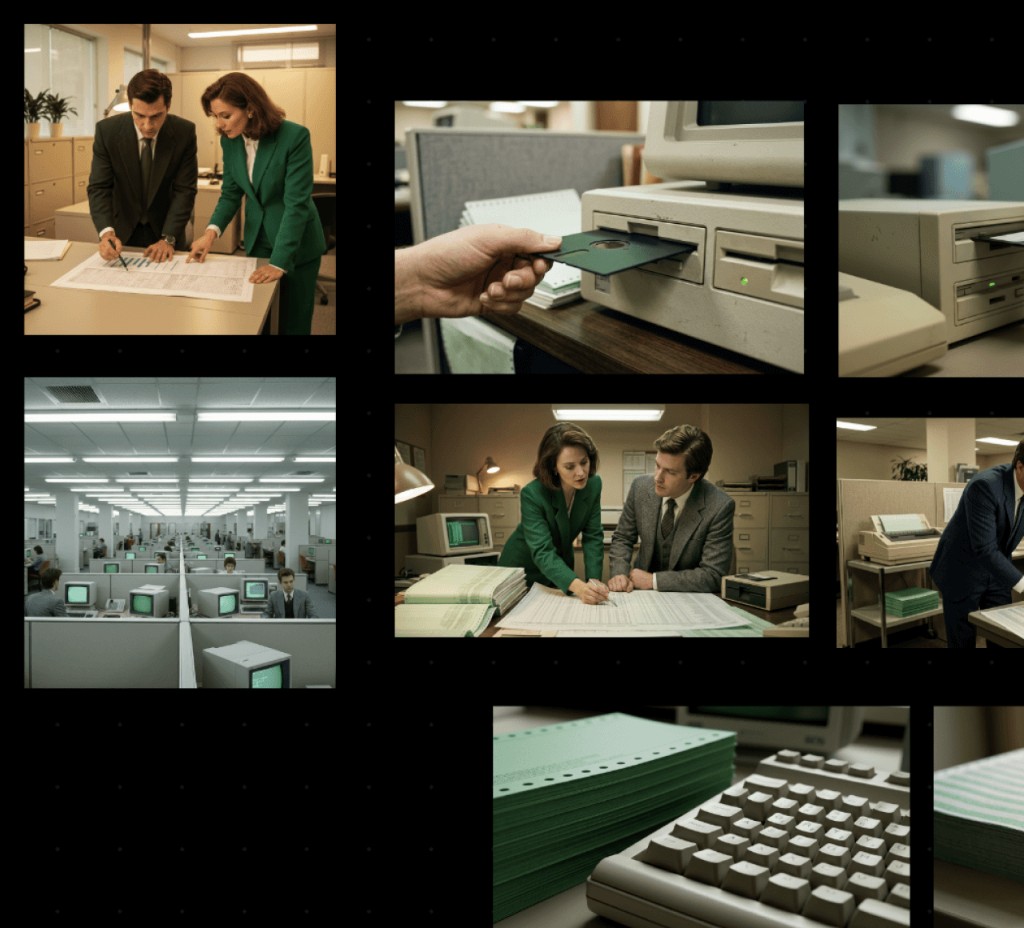 Storyboard ### Turn a story into 8 cinematic scenes From premise to visual narrative in seconds. Describe a story — a short film idea, an ad concept, a product journey — and Pantr generates 8 sequential 16:9 frames that follow a narrative arc. Establishing shots, rising tension, climax, resolution. Each scene shares the same characters and visual style. Think of it as a creative brief that comes to life. 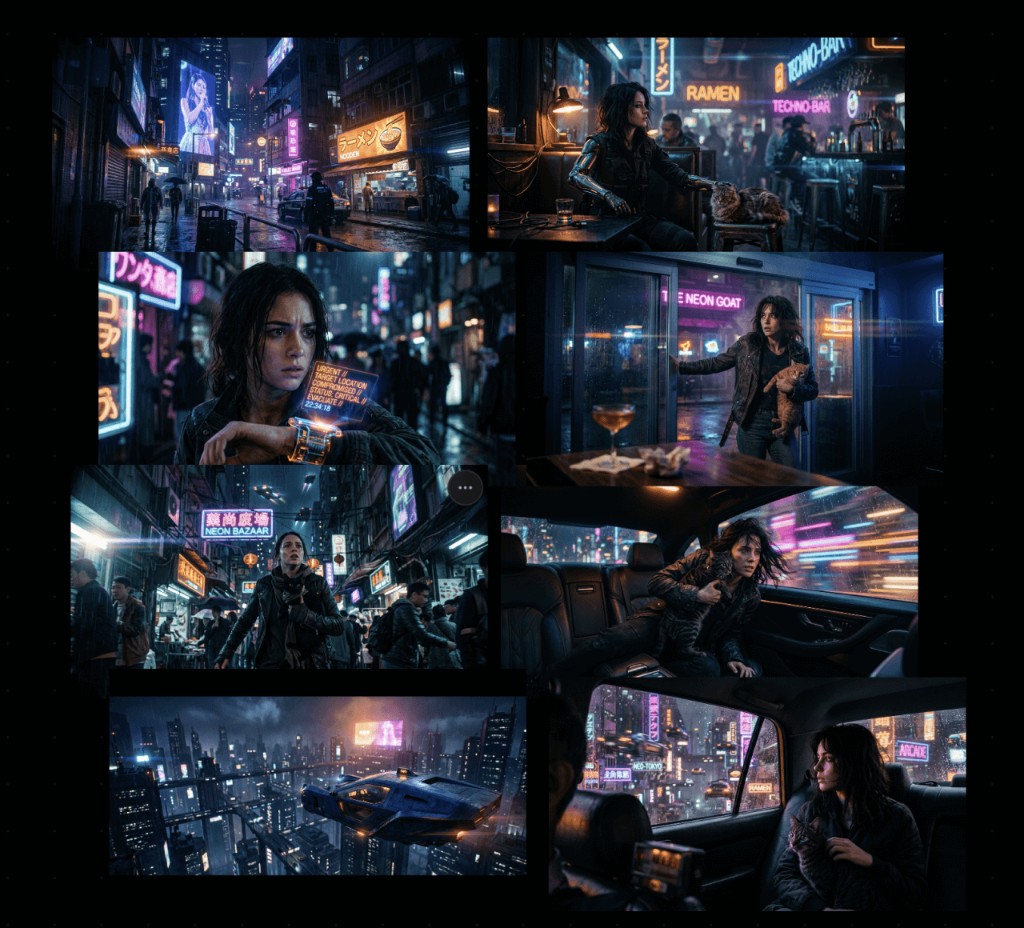 > "We believe the best creative tool is the one that gets out of your way." Most AI image tools are built around text boxes. They assume you can describe what you want in words. But creatives think in images — in references, in mood boards, in "something like this but more like that." Pantr starts with what you already have. Drop your visual references onto an infinite canvas. Select the ones that matter. Generate. The AI understands your visual intent — no prompt engineering degree required. No dashboards. No settings panels. No model selectors. Just a canvas, your images, and a generate button. ## Pay for what you generate. Nothing else. Credits never expire. No monthly fees. No tiers to compare. 10,000 credits €12 ~125 images 30,000 credits €30 ~375 images Best value 50,000 credits €45 ~625 images Every account starts with 1,000 free credits. [Start for free](https://www.pantr.co/signup) Powered by Gemini 3.1. ## How we compare Text-to-image toolsPantr InputText promptVisual references Learning curveHigh — prompt engineeringNone — drag and drop EditingPhotoshop / manual toolsNatural language, non-destructive MockupsManual compositingBuilt-in, one click MoodboardsPinterest + separate toolOne prompt, 8 images Style controlLong keywords in prompt12 preset styles, one click WorkspaceGallery / list viewInfinite canvas OrganizationSingle projectMultiple workspaces Pricing$10–60/mo subscriptionPay-as-you-go credits Using referencesUpload + describe in textSelect on canvas, done ## Questions What AI models does Pantr use?+ We offer three tiers: Fast (Imagen 4.0, text-only generation, no reference images), Medium (Gemini 2.5 Flash), and Max (Gemini 3.1 Flash). Medium and Max support reference-based generation and image editing. All use Google’s latest image models. Do I need to write prompts?+ Prompts are optional. Your selected reference images are the primary input. Add a prompt only if you want to steer the result. Do credits expire?+ No. Buy once, use whenever. What image formats can I upload?+ JPEG, PNG, WebP, GIF, BMP, SVG, and AVIF. Up to 20 MB per image. Is there a mobile app?+ Pantr is designed for desktop. The canvas experience needs screen space to work properly. Can I download my generated images?+ Yes. Hover any image on the canvas and click download. From the blog ## Alternatives that feel intuitive If Flora and Weavy feel complex, start with these guides focused on faster, visual-first workflows. [View all posts](https://www.pantr.co/blog) [ AI Design Flora AI vs Pantr
Genesis Park 편집팀이 AI를 활용하여 작성한 분석입니다. 원문은 출처 링크를 통해 확인할 수 있습니다.
공유